
Replacing a SimpliSafe glass break sensor battery takes about 5 minutes. The sensor typically uses a single CR123A lithium battery. Batteries generally last 2 to 3 years under normal operating conditions. For manufacturer-specific steps, check official SimpliSafe support. For another battery-maintenance walkthrough, see our Liberty Fatboy safe battery replacement guide.
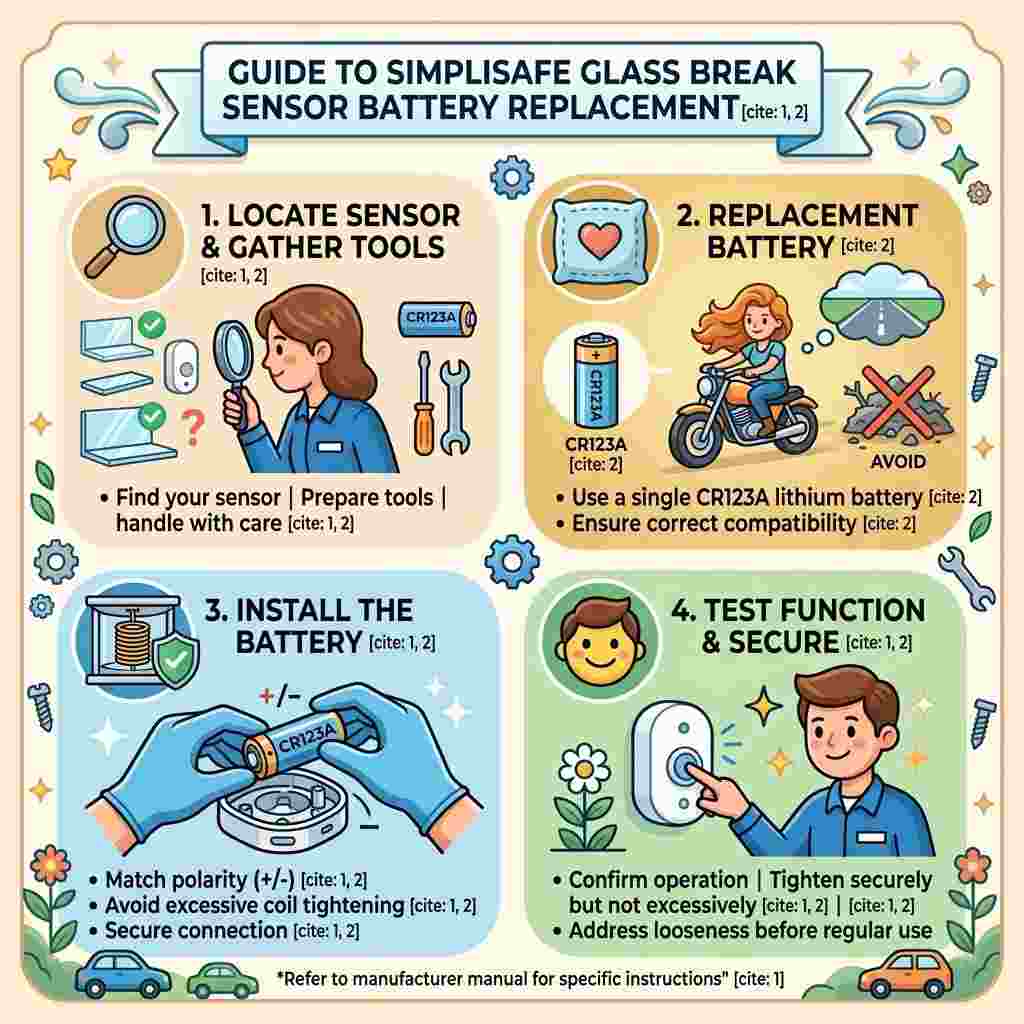
Home security maintenance experience shows low battery alerts appear in the SimpliSafe app well before full failure. Prompt replacement keeps your security system fully functional. SimpliSafe’s official battery replacement guide confirms the Glassbreak Sensor uses a CR-123A lithium battery.
Table of Contents
Quick Answer
Battery replacement involves opening the sensor casing, removing the old battery, and inserting a new CR123A battery. The SimpliSafe app notifies you when battery levels run low. This simple process requires no tools for most sensor models.
Safety note: always confirm your system is aware of the sensor being offline before opening it. This prevents unnecessary false alarm triggers during replacement.
Step-by-Step Replacement Process
Step 1: Check the SimpliSafe App for Alerts [Time: 2 mins]
Open the app and locate the low battery notification. Confirm which specific sensor needs replacement. This ensures you’re servicing the correct device.
Step 2: Locate the Glass Break Sensor [Time: 2 mins]
Find the sensor mounted in its designated room location. Note its position for easy reattachment after battery replacement. This helps maintain proper sensor placement and coverage.
Step 3: Open the Sensor Casing [Time: 3-5 mins]
Gently twist or slide the back cover to access the battery. Most SimpliSafe sensors use a simple twist-open design. Avoid using excessive force, which could damage the casing.
Step 4: Remove the Old Battery [Time: 1-2 mins]
Carefully take out the depleted CR123A battery. Note the polarity orientation for correct reinstallation. Dispose of the old battery according to local regulations.
Step 5: Insert the New Battery [Time: 2 mins]
Place the new CR123A battery in the correct orientation. Match the positive and negative markings exactly. Incorrect polarity prevents the sensor from powering on properly.
Step 6: Close the Casing and Verify Function [Time: 3-5 mins]
Reattach the back cover securely until it clicks into place. Check the SimpliSafe app to confirm the sensor shows online. Test the sensor if your system allows manual testing.
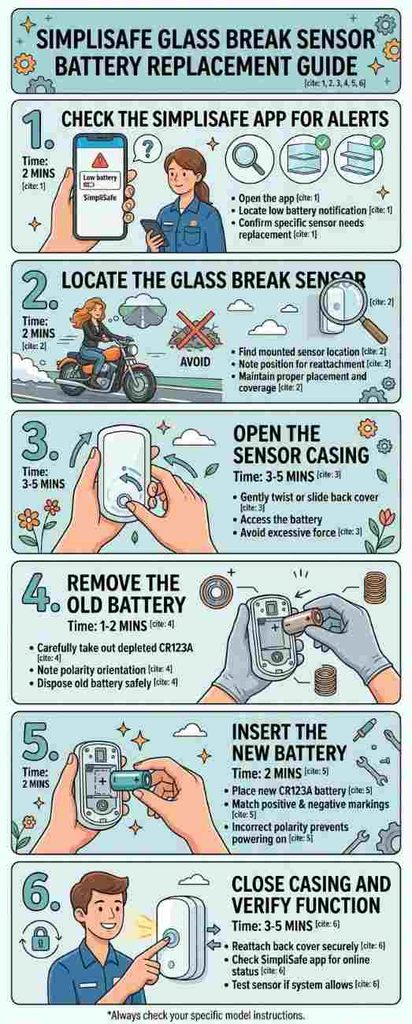
Why correct battery orientation matters most: inserting the battery backward prevents the sensor from powering on entirely. This common mistake leads users to believe the sensor itself has failed. Double-checking polarity markings before closing the casing avoids this frustrating, easily avoidable error.
Battery Type Comparison Table
| Battery Type | Compatibility | Typical Lifespan |
|---|---|---|
| CR123A lithium | SimpliSafe standard | 2-3 years |
| Rechargeable CR123A | Compatible, varies | 1-2 years per charge cycle |
| Generic off-brand CR123A | Variable reliability | Often shorter lifespan |
Home security specialist insight: “Stick with name-brand lithium batteries for security sensors,” says smart home technician Reggie Voss. “Off-brand batteries sometimes fail early or leak.”
Tips for Reliable Sensor Function
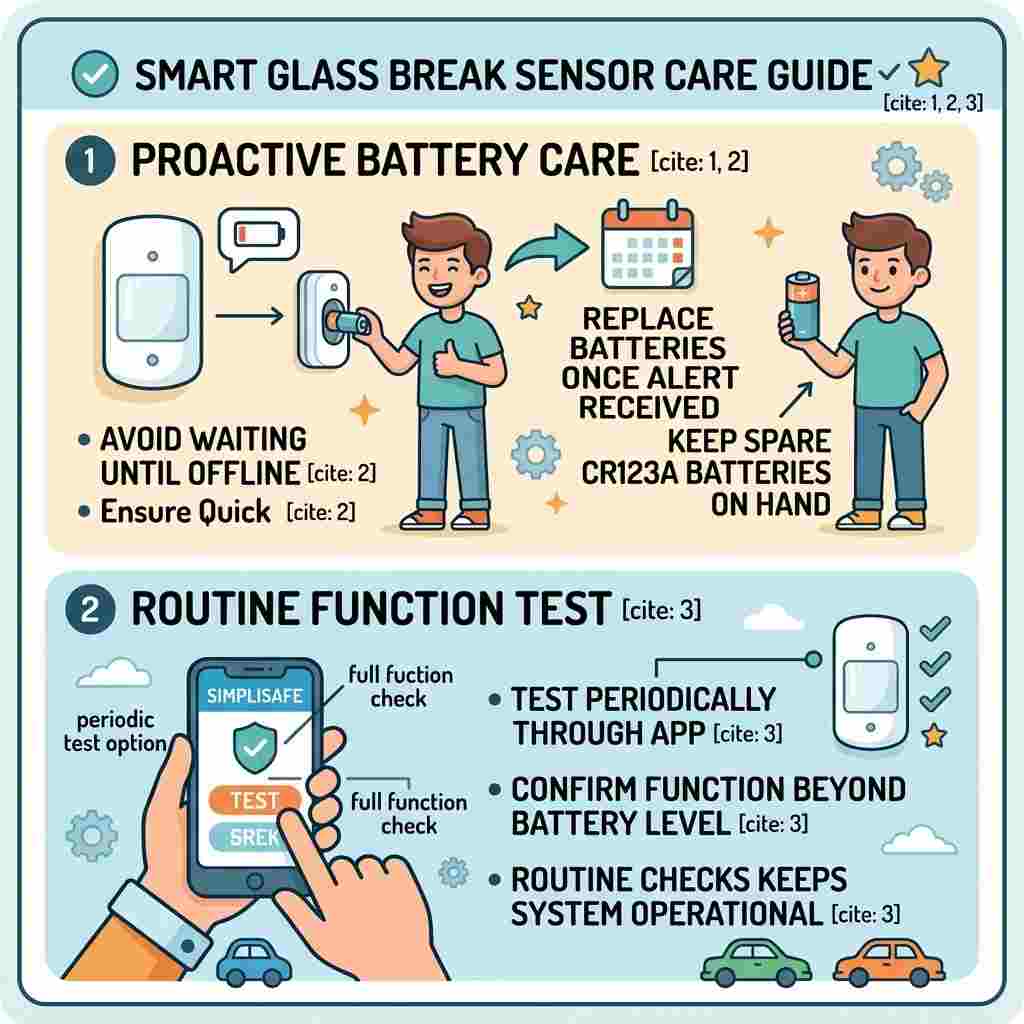
Replace batteries proactively once you receive the low battery alert. Avoid waiting until the sensor goes completely offline. Keep spare CR123A batteries on hand for quick replacement.
Test your glass break sensor periodically through the SimpliSafe app. This confirms proper function beyond just battery level. Routine checks ensure your home security system stays fully operational.
The Bigger Picture
Smart home security systems increasingly rely on battery-powered sensors for flexible installation. Proactive battery maintenance remains essential for uninterrupted security coverage. SimpliSafe’s app-based alerts have simplified this maintenance process significantly for homeowners.
Prompt replacement upon low battery alerts prevents security coverage gaps. Correct installation technique ensures reliable sensor function. Following this guide keeps your SimpliSafe system fully operational and dependable. For the manufacturer’s current battery procedure and troubleshooting steps, see the SimpliSafe Glassbreak Sensor battery guide.
FAQs on SimpliSafe Glass Break Sensor Battery Replacement
Why does my sensor show low battery in the app but seems to work fine still?
Low battery alerts trigger well before complete failure as a safety buffer. This early warning gives you time to replace the battery calmly. The sensor may function normally for days or weeks after this alert. Don’t wait for complete failure, since response time can vary unpredictably. Replace promptly once you receive this notification for reliable coverage.
Can I use a rechargeable CR123A battery instead of a standard lithium one?
Yes, rechargeable CR123A batteries are generally compatible with SimpliSafe sensors. They typically offer shorter runtime per charge than standard lithium batteries though. This works well if you’re comfortable with more frequent charging cycles. Standard lithium batteries remain more convenient for most typical households. This choice depends on your personal preference for maintenance frequency.
Why did my sensor go offline immediately after I replaced the battery?
This often indicates incorrect battery polarity during installation specifically. Double-check that positive and negative markings align with the casing diagram. A loose battery connection can also cause this immediate offline status. Reopen the casing and verify proper seating and orientation carefully. This simple check resolves the vast majority of post-replacement offline issues.
Does extreme temperature in a room affect how long the sensor battery lasts?
Yes, extreme heat or cold can affect battery performance and longevity somewhat. Sensors in unheated garages or extreme sunlight exposure may see faster drain. This isn’t usually dramatic for typical indoor placement though. Consider this if you notice significantly shorter battery life in specific locations. This factor matters most for sensors in non-standard temperature environments.
Can I test whether my new battery installation worked without triggering a false alarm?
Yes, the SimpliSafe app typically shows sensor status without needing to trigger it. Check that the sensor appears online and reporting normal status. Some systems offer a test mode that doesn’t alert monitoring services. Confirm you’re in test mode if you want to physically test the sensor. This approach confirms function without unnecessary alarm activation.
Why do some SimpliSafe glass break sensors use different battery types?
Different sensor generations or models may have varying battery specifications. Always check your specific sensor model rather than assuming universal compatibility. Older models might use different battery types than current generation sensors. Confirm your exact model before purchasing replacement batteries. This verification prevents purchasing an incompatible battery type.
Does replacing the battery reset any sensor settings or configurations?
No, standard battery replacement doesn’t typically reset sensor programming or settings. Your sensor should reconnect to the system with existing configurations intact. If you notice configuration issues, this suggests a separate problem beyond battery replacement. Contact SimpliSafe support if settings appear to have changed unexpectedly. This reassurance applies to standard, straightforward battery swaps specifically.
Why does my app take several minutes to show the sensor back online?
Sensors periodically check in with the base station rather than constantly connecting. This means status updates may take a few minutes to reflect the app. This delay is normal and doesn’t indicate a problem with your replacement. Wait a reasonable period before assuming something went wrong. This normal communication pattern shouldn’t cause unnecessary concern.
Can I buy SimpliSafe-branded batteries specifically, or do generic ones work fine?
Standard CR123A lithium batteries from reputable brands work fine generally. SimpliSafe doesn’t require proprietary branded batteries for their sensors. Choosing well-known battery brands over unknown generic options improves reliability. This flexibility gives you more purchasing options for replacement batteries. Quality matters more than brand-specific SimpliSafe labeling here.
Why should I keep spare batteries on hand for multiple sensors?
Multiple sensors often reach end-of-battery-life around similar timeframes if installed together. Having spares prevents scrambling to purchase batteries during multiple simultaneous alerts. This proactive approach ensures continuous security coverage without gaps. Consider this practical convenience for homes with several glass break sensors. This preparation saves time and prevents temporary coverage lapses.